Revisions
The Revisions sections comes after the FAQ section. Every time you save your text, a copy of it is stored so you can inspect it in the future.
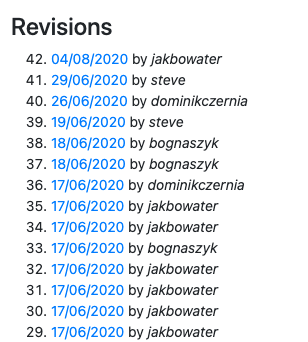
Each revision is listed with the date it was saved and who saved it. This information is useful when more that one person is working on a calculator, or for tracking recent corrections and updates.
Click on the date to bring up all the text elements as they were for that revision.
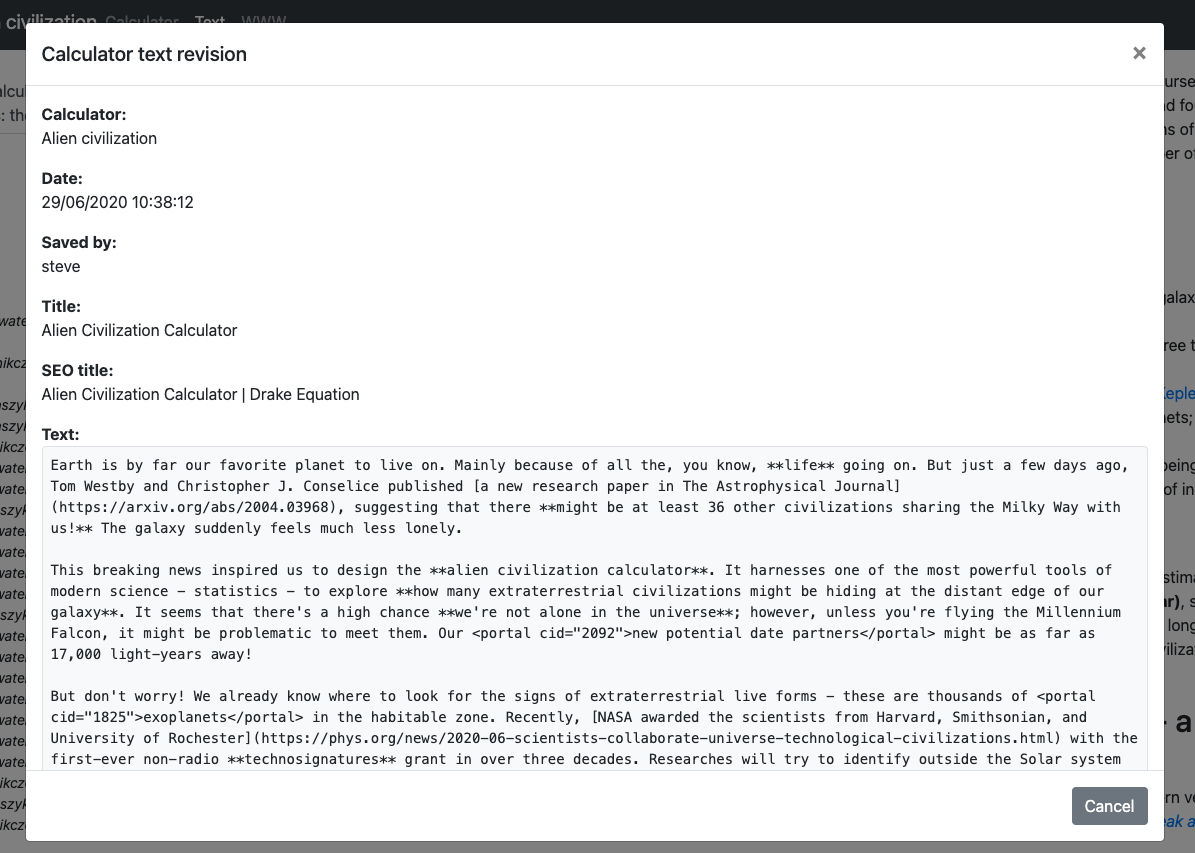
You can use a service like diffchecker.com to manually see what has changed between different revisions.
Note
The revisions feature will soon be getting more powerful, with things like being able to change which revision is the current live revision.