Description
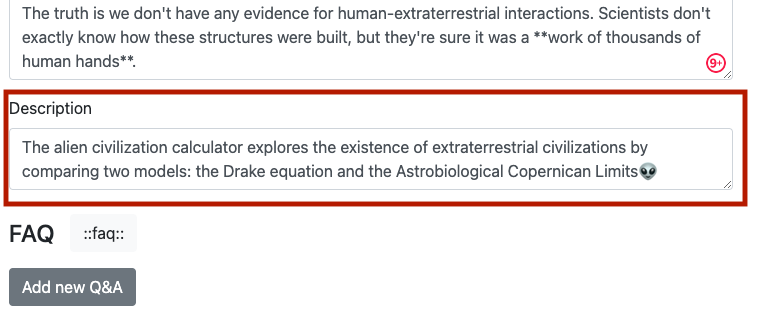
The calculator description text input box is after the main text input box and before the FAQ section.
Each calculator must have a short description, which is shown to the user of the calculator category page when they hover their mouse over a calculator.
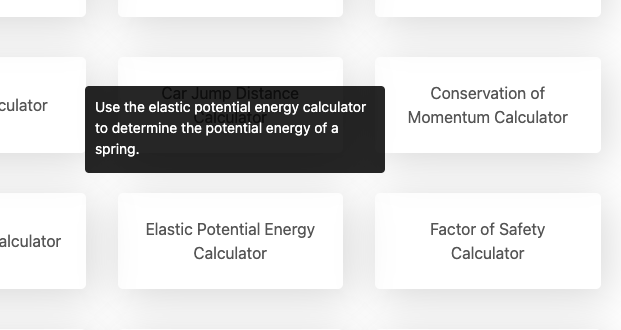
Here’s how your calculator’s description will look to the user.
It should briefly inform them about what the calculator does and it’s purpose. It should help encourage them to click through to the calculator.
Here are a few guidelines you should follow when writing a description for your calculator:
DO use the first keyword at least once, preferably at the very beginning of the description;
DO avoid repeating description at the beginning of the lead; and
DON’T capitalize the calculator name.